Difference between revisions of "File:6 start archivematica VM.png"
Jump to navigation
Jump to search
(After setting everything up through Oracle's VM Wizard, you can now select the Archivematica on the left side of the Virtualbox screen and press start to launch the virtual appliance) |
(No difference)
|


Latest revision as of 18:00, 14 September 2012
After setting everything up through Oracle's VM Wizard, you can now select the Archivematica on the left side of the Virtualbox screen and press start to launch the virtual appliance
File history
Click on a date/time to view the file as it appeared at that time.
| Date/Time | Thumbnail | Dimensions | User | Comment | |
|---|---|---|---|---|---|
| current | 18:00, 14 September 2012 | 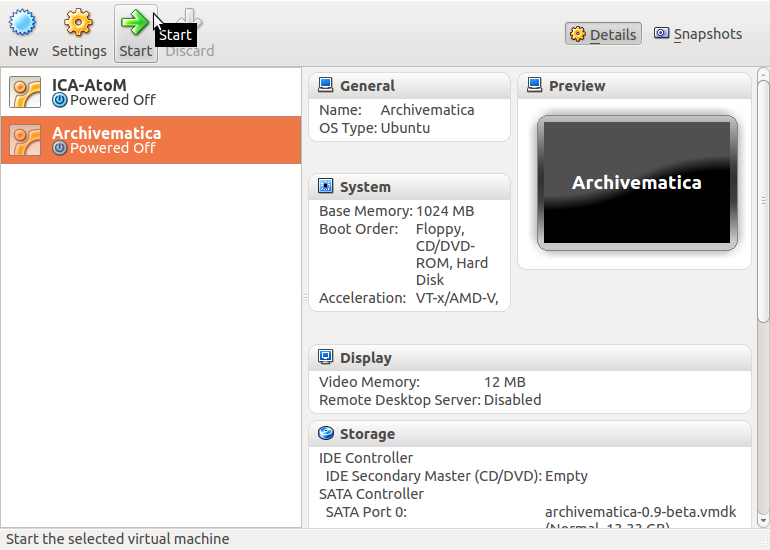 | 770 × 550 (87 KB) | Dan (talk | contribs) | After setting everything up through Oracle's VM Wizard, you can now select the Archivematica on the left side of the Virtualbox screen and press start to launch the virtual appliance |
You cannot overwrite this file.
File usage
The following page uses this file:
