File list
Jump to navigation
Jump to search
This special page shows all uploaded files.


| Date | Name | Thumbnail | Size | User | Description | Versions |
|---|---|---|---|---|---|---|
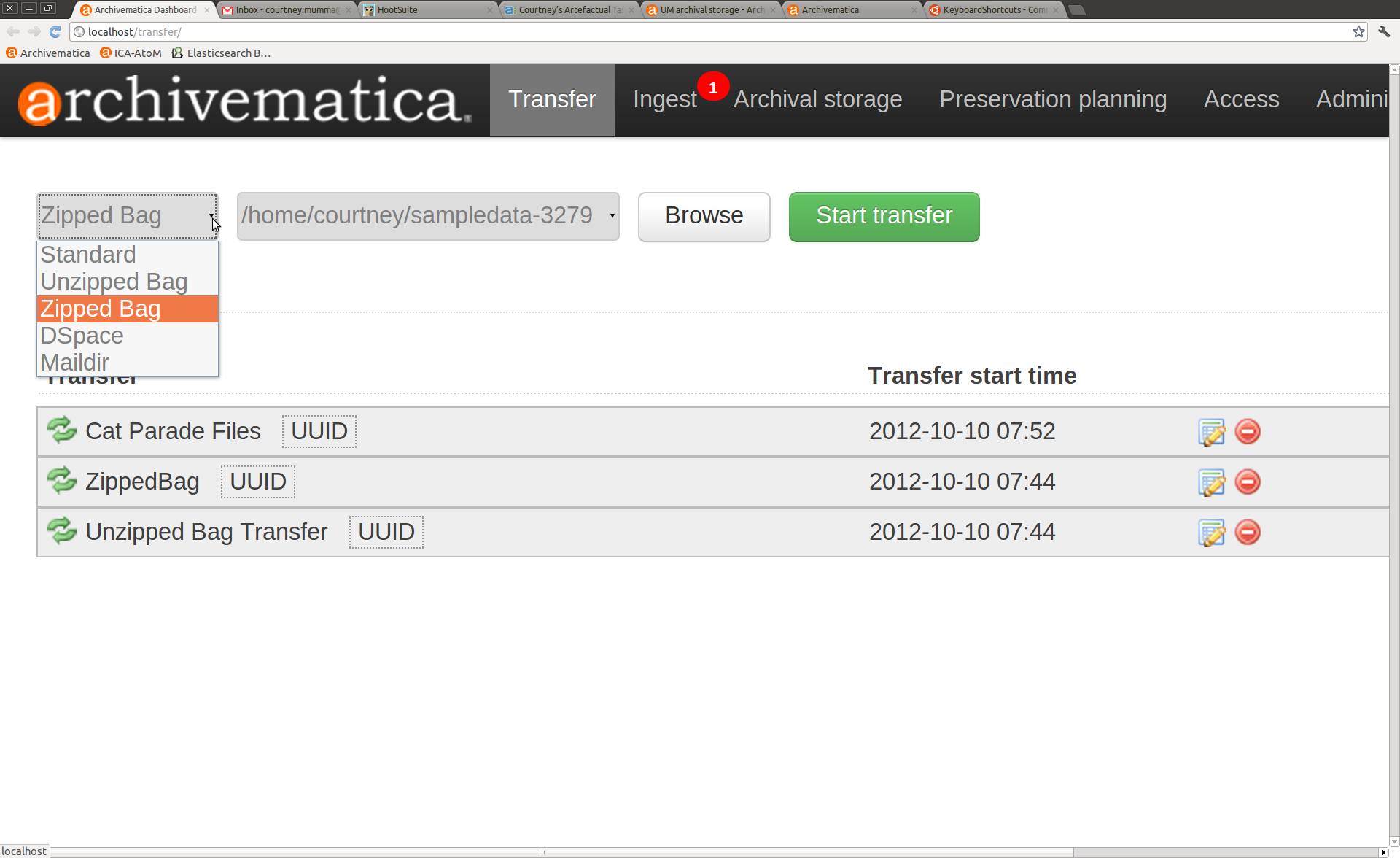
| 11:59, 10 October 2012 | BagitTransfer.png (file) |  |
169 KB | Courtney | 1 | |
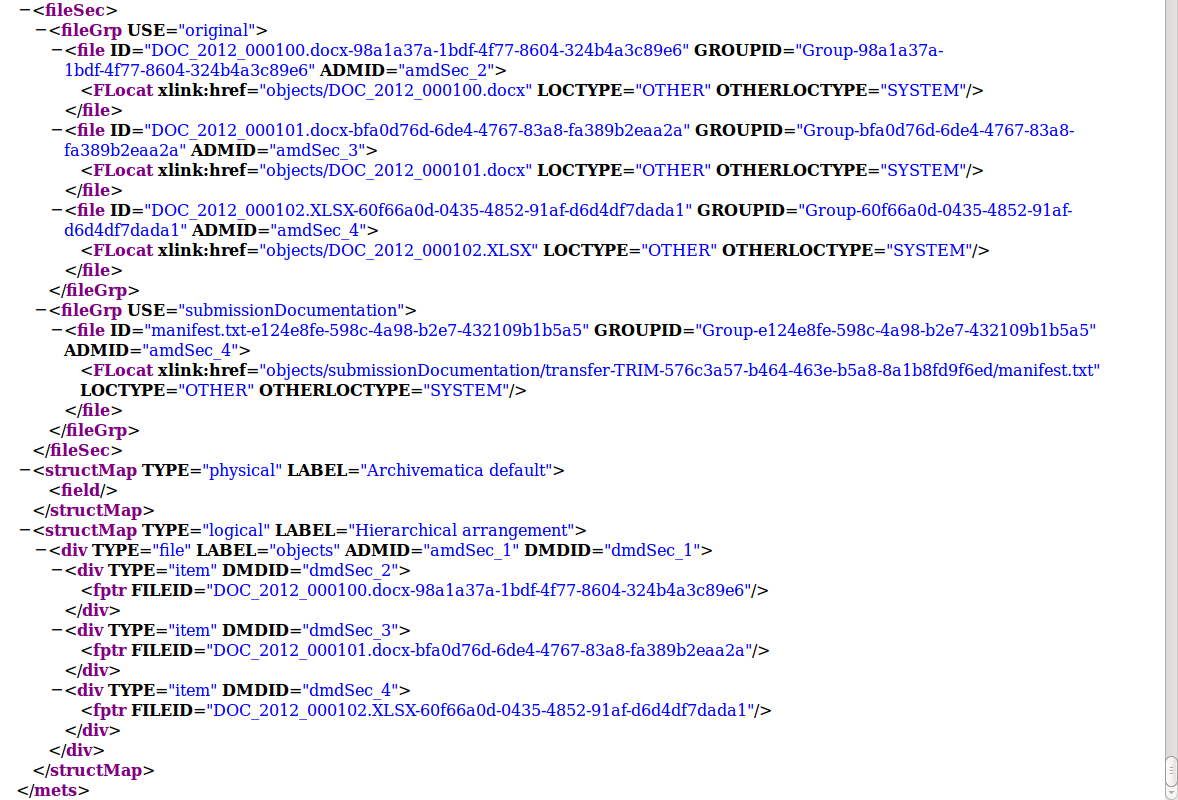
| 15:57, 9 October 2012 | TRIMstructMapg.png (file) |  |
165 KB | Evelyn | 1 | |
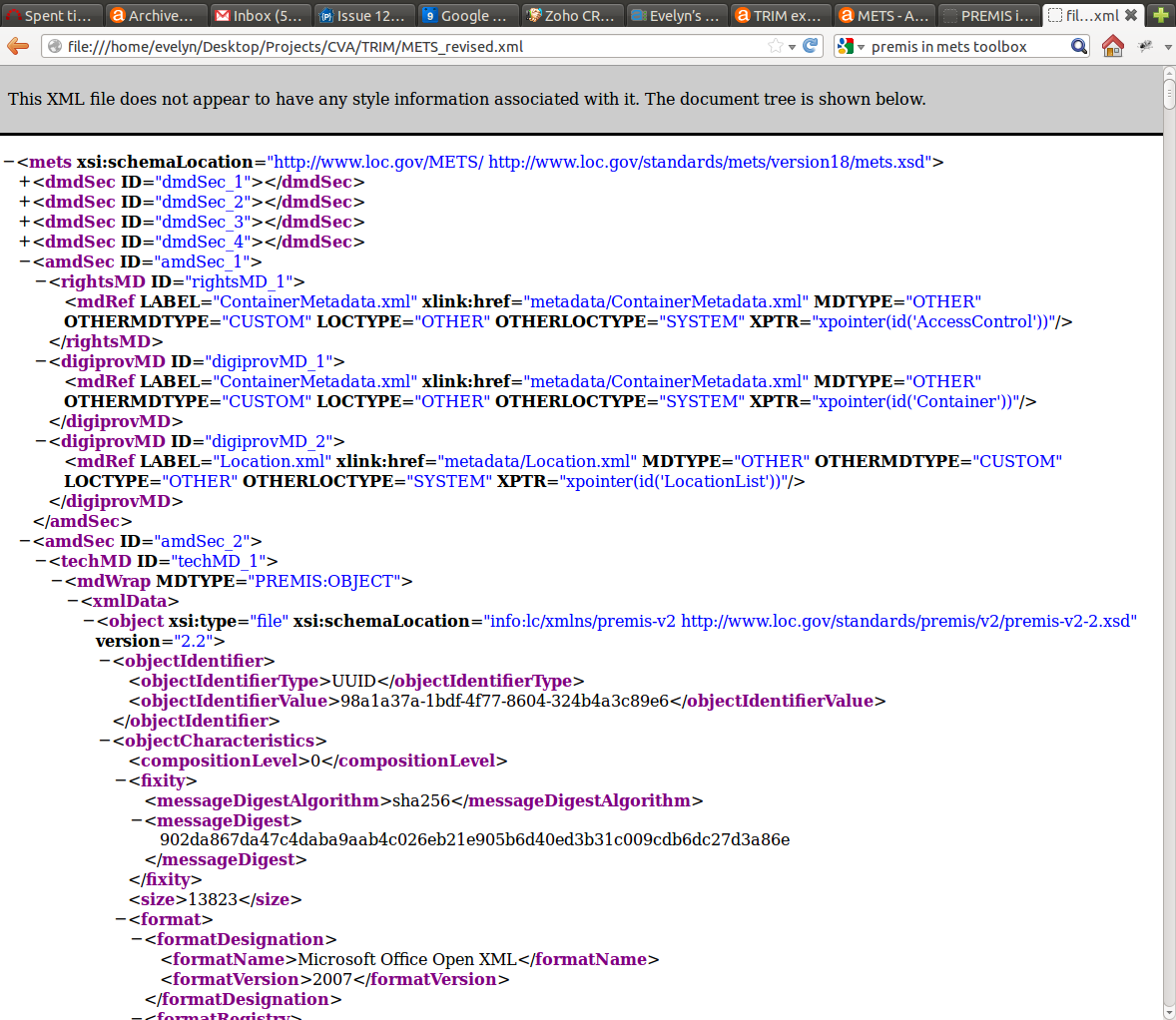
| 15:50, 9 October 2012 | TRIMamdSec1.png (file) |  |
221 KB | Evelyn | 1 | |
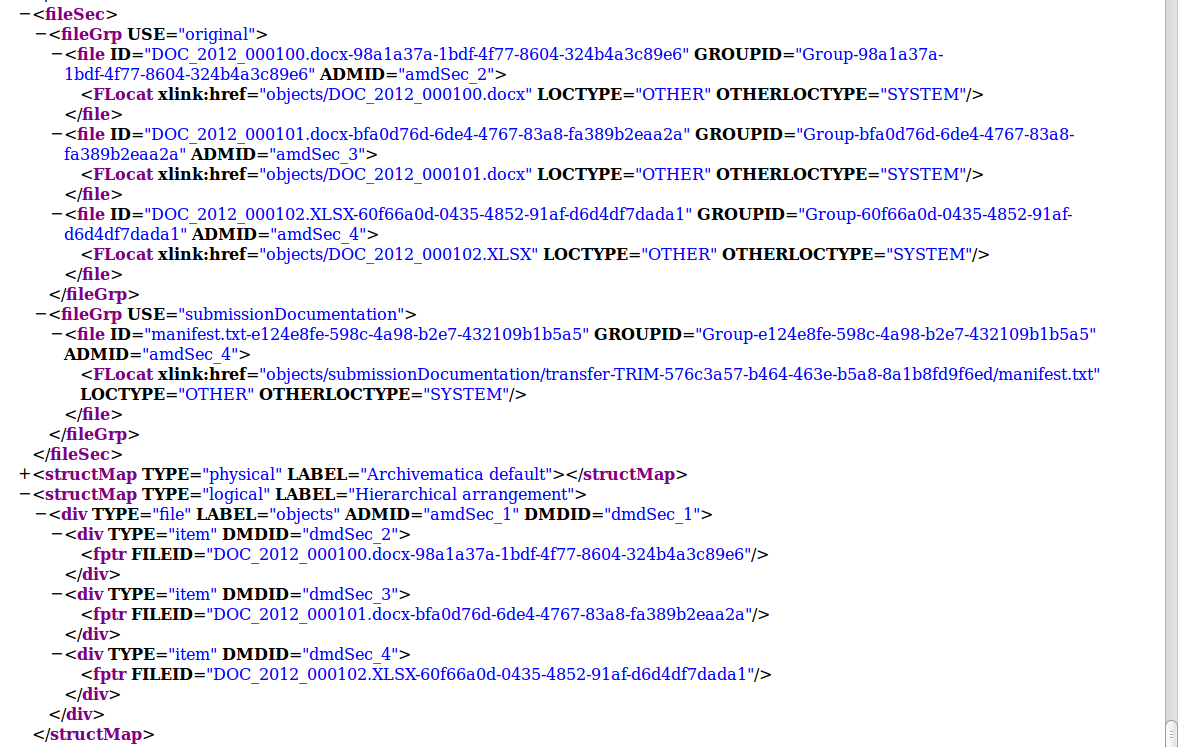
| 15:49, 9 October 2012 | StructMapg.png (file) |  |
198 KB | Evelyn | 2 | |
| 17:49, 5 October 2012 | Checksumg.png (file) |  |
46 KB | Evelyn | 2 | |
| 12:10, 5 October 2012 | VanDocs2g.png (file) |  |
142 KB | Evelyn | 1 | |
| 11:31, 5 October 2012 | VanDocs1g.png (file) |  |
124 KB | Evelyn | 1 | |
| 16:51, 4 October 2012 | Mets 5g.png (file) |  |
128 KB | Evelyn | 2 | |
| 16:51, 4 October 2012 | Mets 4g.png (file) |  |
137 KB | Evelyn | 2 | |
| 15:56, 4 October 2012 | Mets 2g.png (file) |  |
122 KB | Evelyn | 2 | |
| 12:26, 1 October 2012 | Archivematica shutdown2.png (file) |  |
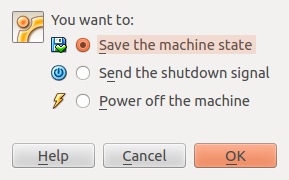
17 KB | Dan | Three options when shutting down the Virtualbox: Archivematica suggests using either "Save the machine state" or "Send the shutdown signal", depending on what you want to do with your data. | 1 |
| 12:25, 1 October 2012 | Archivematica shutdown.png (file) |  |
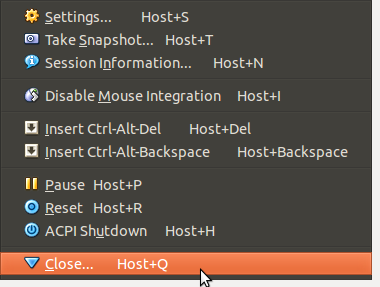
25 KB | Dan | A view of the menu under the "Machine" tab - selecting "Close" | 1 |
| 11:46, 1 October 2012 | Qubit3g.png (file) |  |
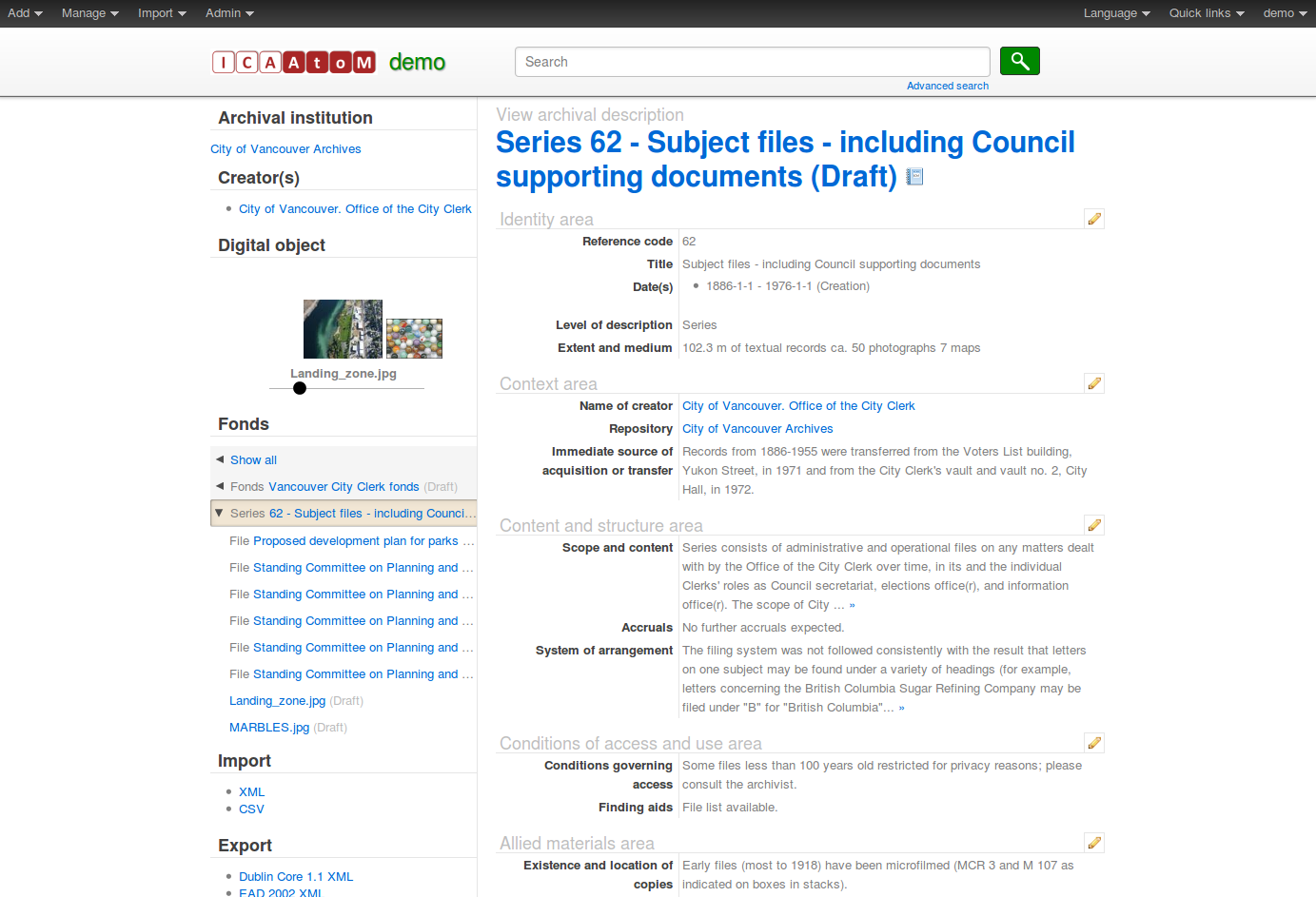
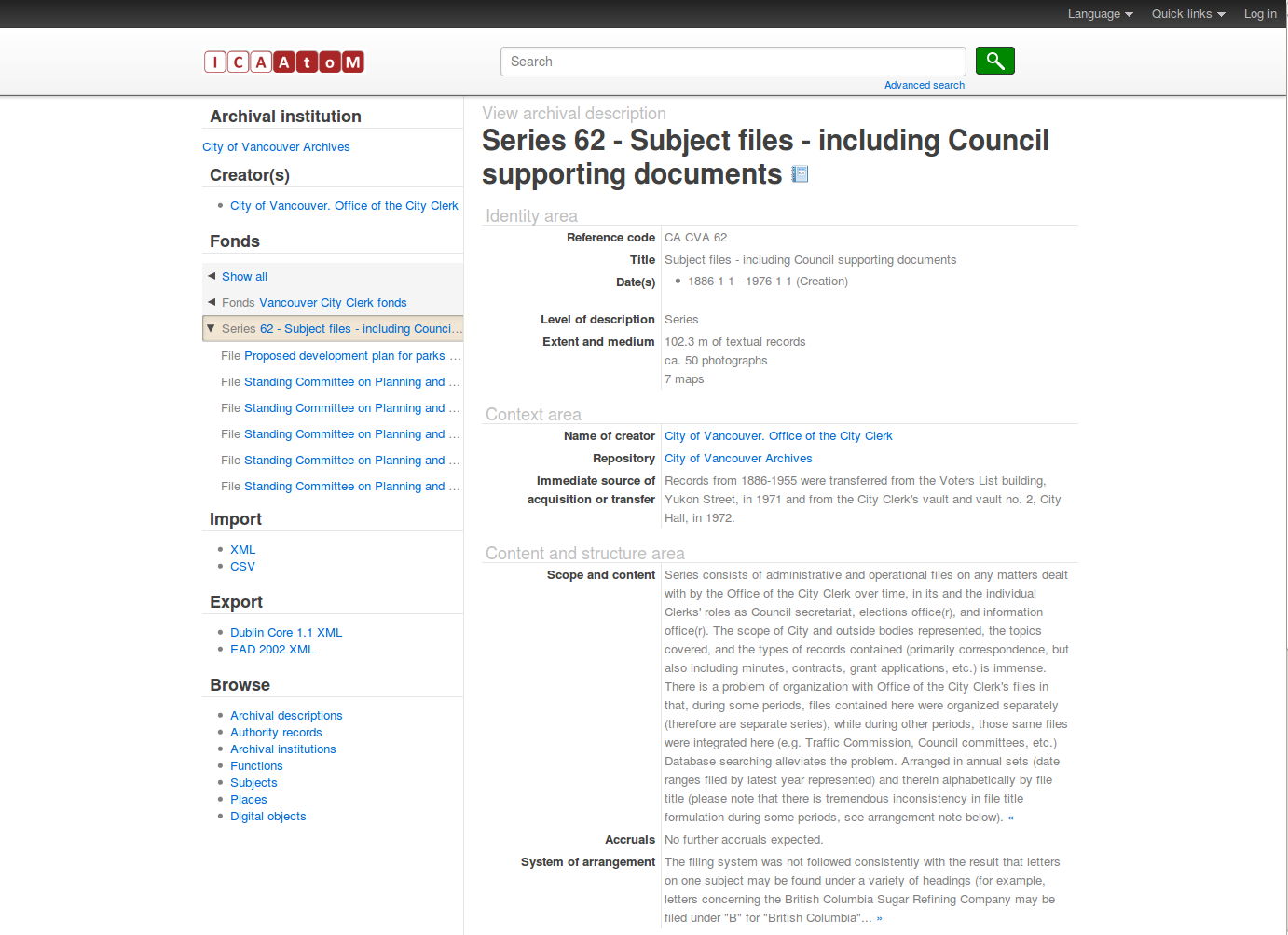
387 KB | Dan | Image changed to reflect AtoM 1.3 | 2 |
| 11:43, 1 October 2012 | Qubit2g.png (file) |  |
203 KB | Dan | Image updated to AtoM 1.3 | 2 |
| 11:12, 1 October 2012 | Qubit-1g.png (file) |  |
191 KB | Dan | screenshot updated to AtoM 1.3 | 2 |
| 13:15, 24 September 2012 | System Architecture.png (file) |  |
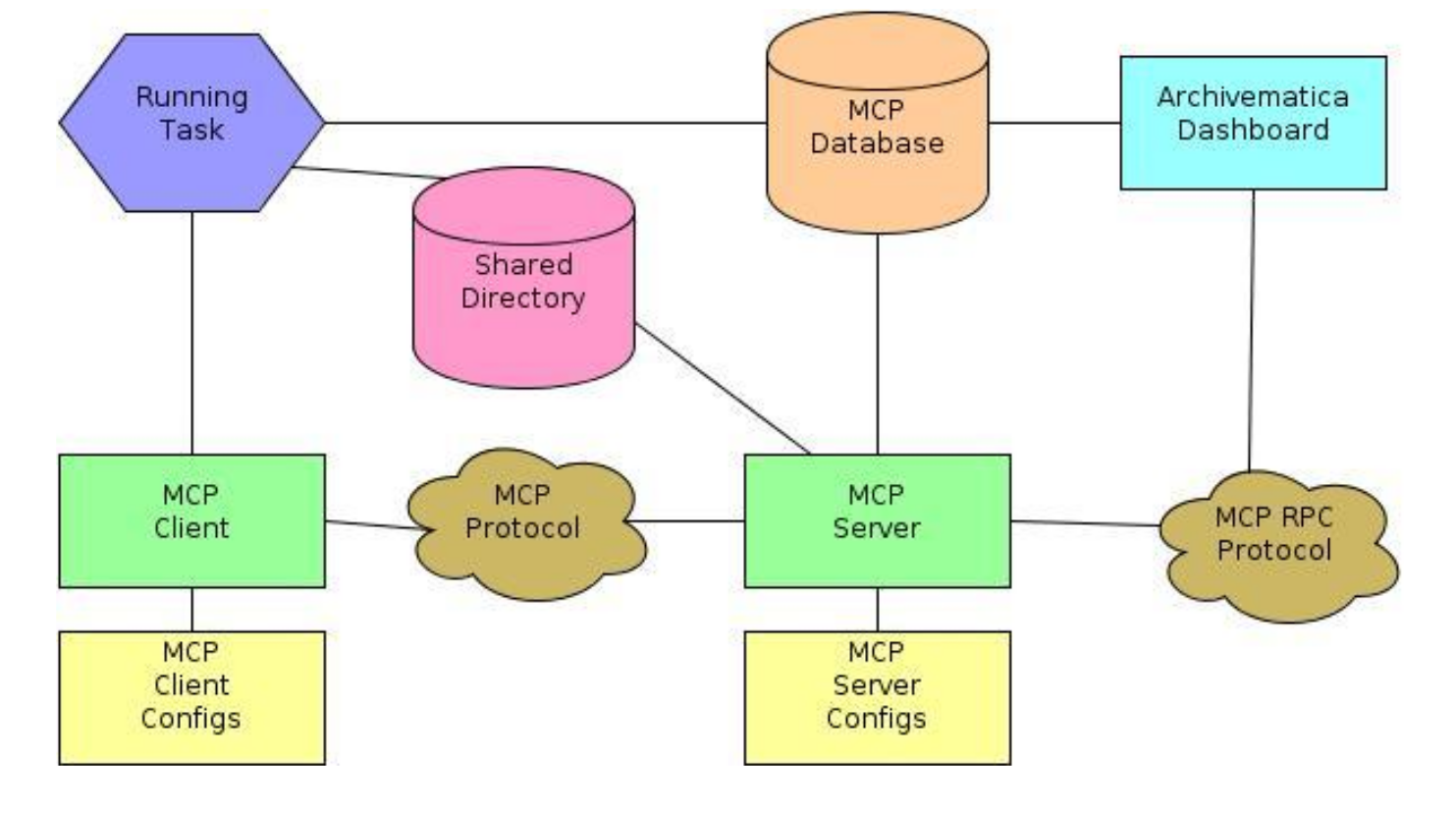
409 KB | Joseph | Archivematica System Architecture | 1 |
| 14:39, 18 September 2012 | CDuploadfolder.png (file) |  |
98 KB | Jessica | 1 | |
| 14:38, 18 September 2012 | CDhome-demo.png (file) |  |
100 KB | Jessica | 1 | |
| 14:36, 18 September 2012 | CDconnect.png (file) |  |
71 KB | Jessica | 1 | |
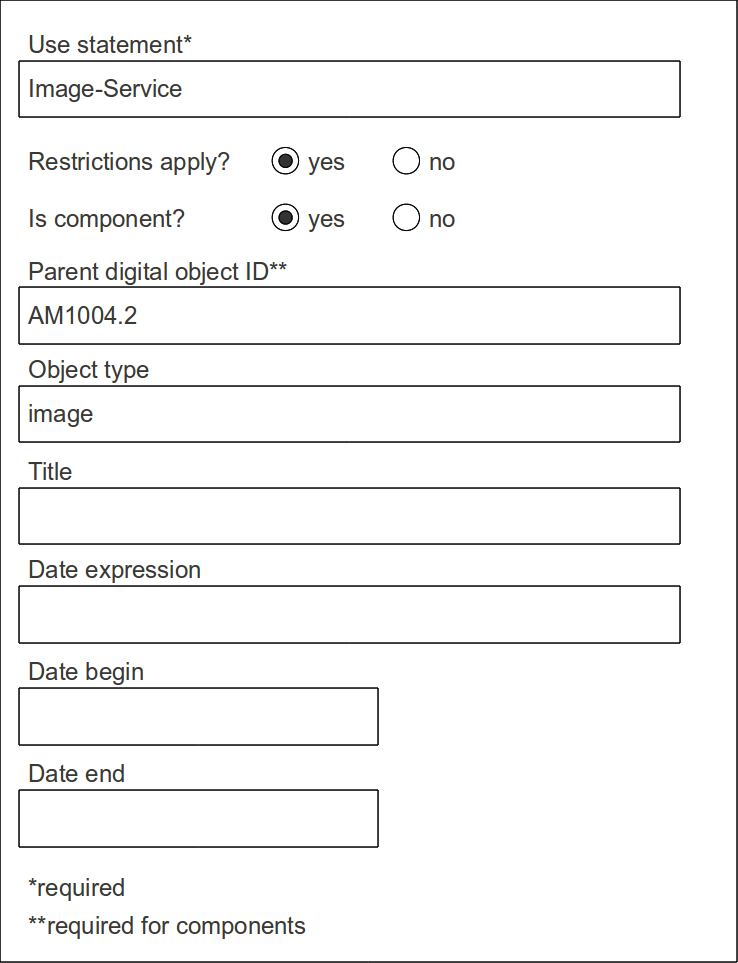
| 11:29, 18 September 2012 | Metadata entry 0.png (file) |  |
69 KB | Evelyn | 1 | |
| 17:40, 17 September 2012 | Home demo filezilla.png (file) |  |
226 KB | Dan | 1 | |
| 17:23, 17 September 2012 | FileZilla SFTP.png (file) |  |
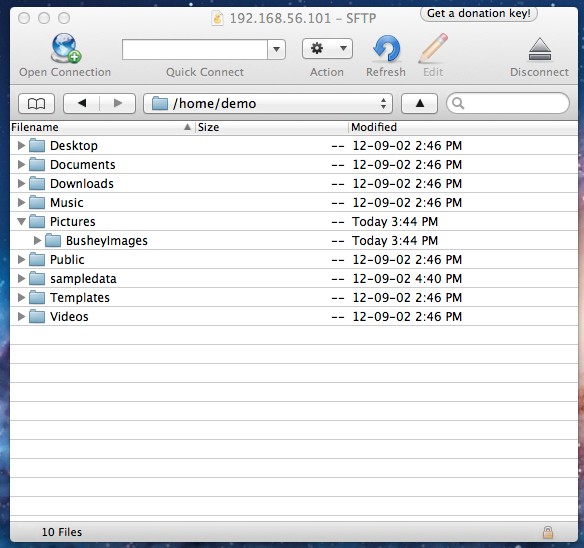
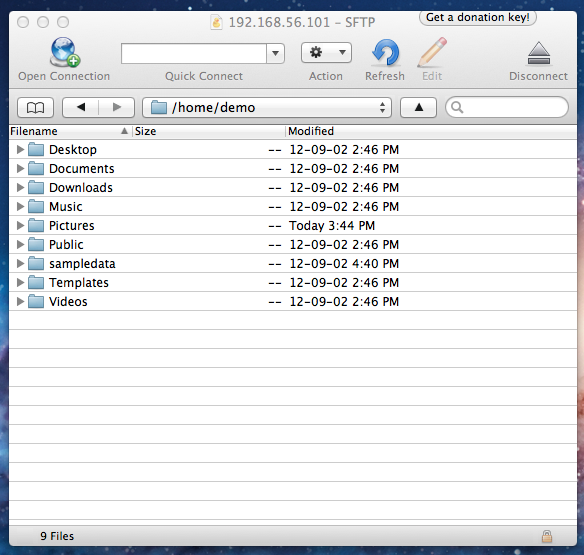
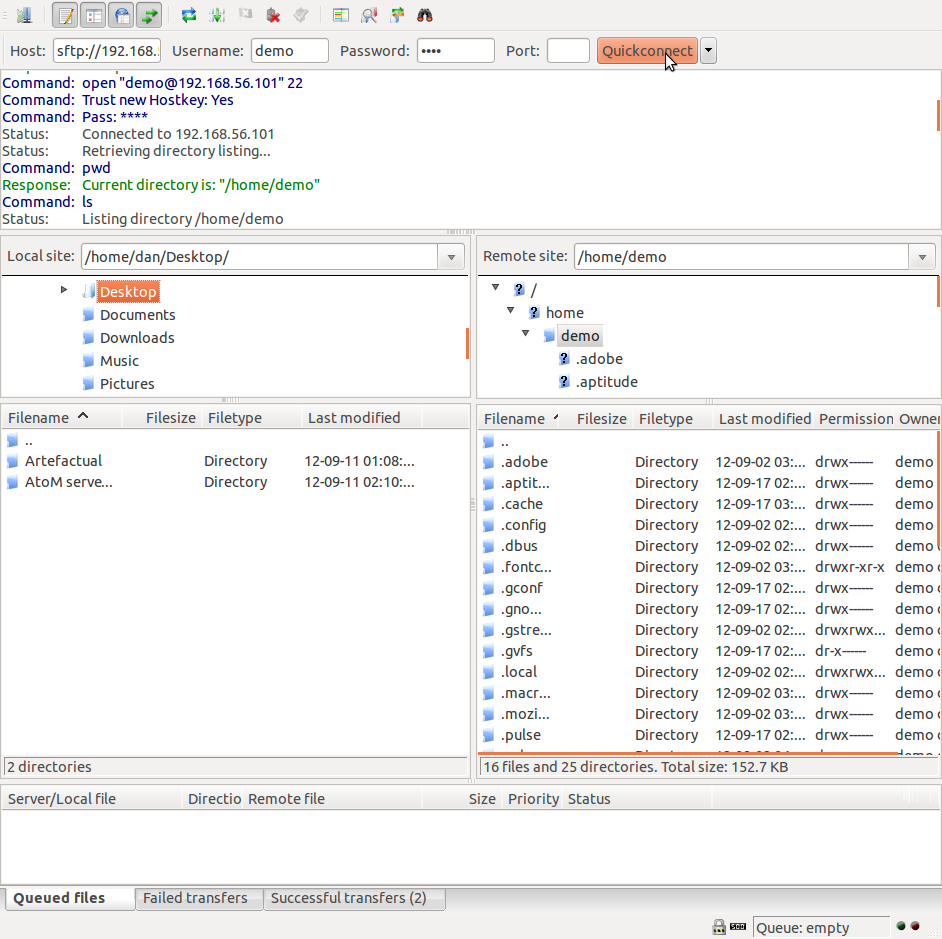
150 KB | Dan | Screenshot of FileZilla, an open-source FTP Client that can be used for managing SFTP file transfers into the Archivematica virtual appliance | 1 |
| 16:40, 17 September 2012 | Metadata entry 2.png (file) |  |
53 KB | Evelyn | 1 | |
| 16:12, 17 September 2012 | Package updates.png (file) |  |
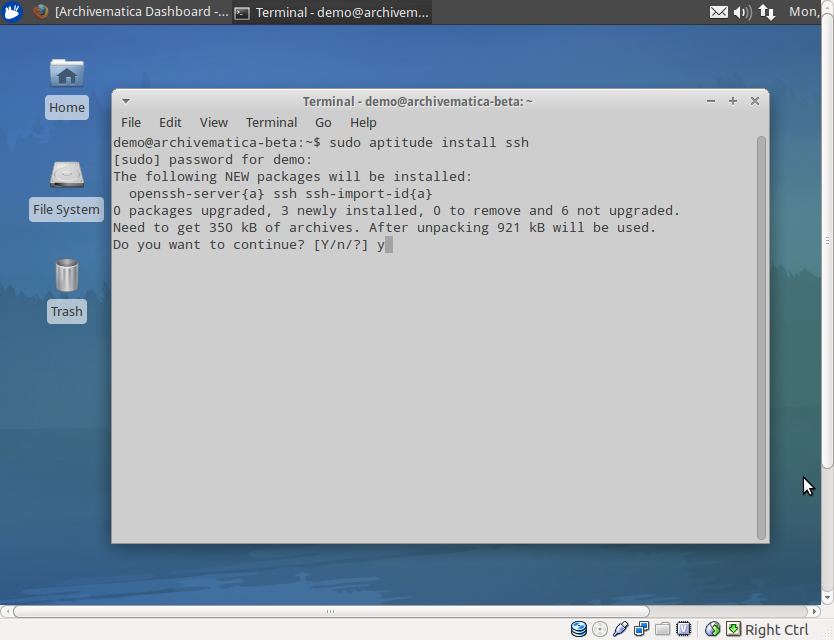
134 KB | Dan | When setting up an SFTP upload into Archivematica, say yes to any package updates or installs that the terminal prompts | 1 |
| 15:52, 17 September 2012 | Applications accessories terminal.png (file) |  |
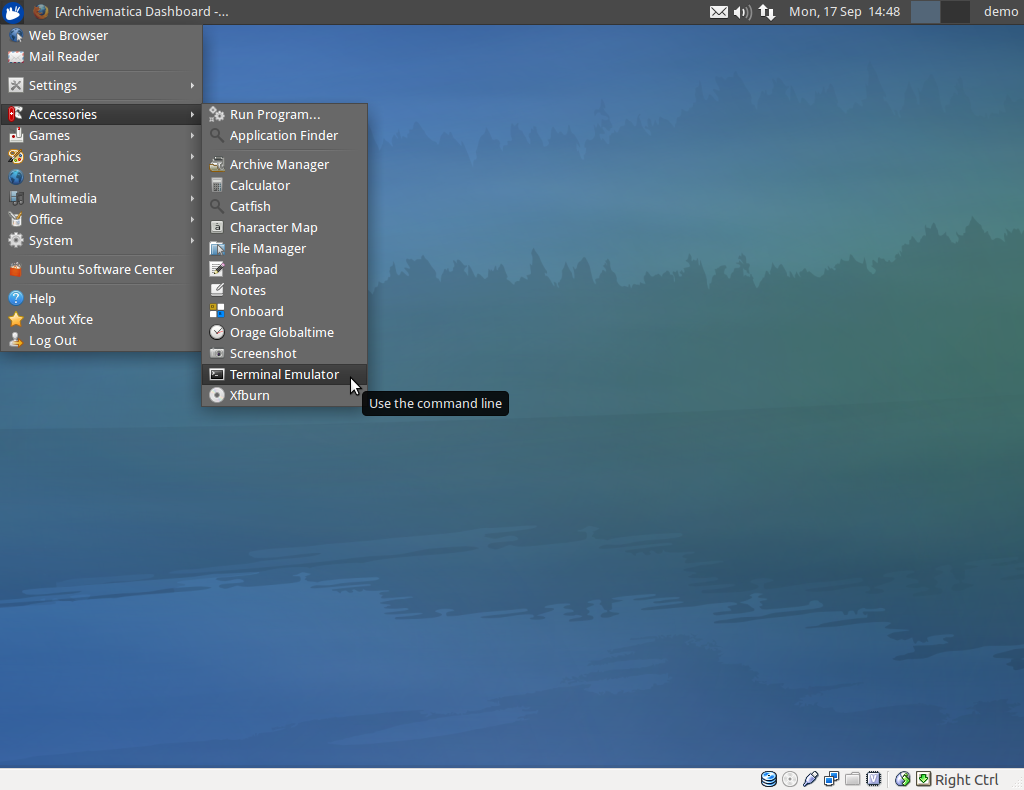
331 KB | Dan | Accessing the terminal within the Archivematica virtual appliance: Applications > Accessories > Terminal emulator | 1 |
| 15:50, 17 September 2012 | Applications menu icon.png (file) |  |
1,001 bytes | Dan | Tiny screenshot of the Applications menu icon in the Archivematica virtual desktop | 1 |
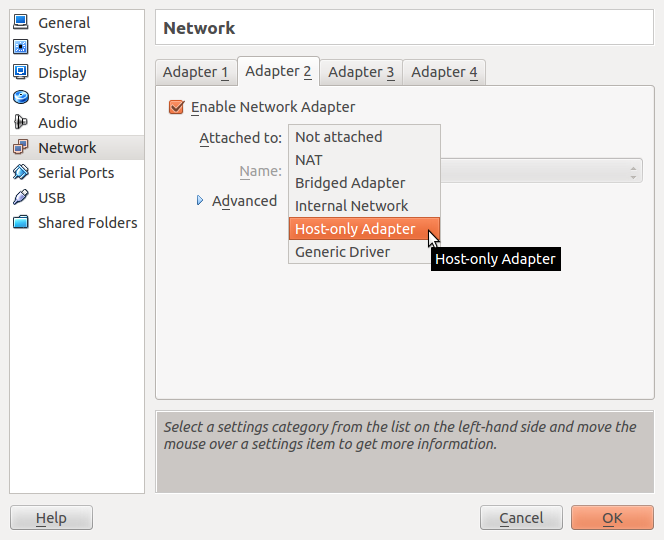
| 14:52, 17 September 2012 | Selecting host only adapter.png (file) |  |
63 KB | Dan | Configuring the settings of the Virtualbox to allow access to Archivematica via web browser: Settings > Network > Adapter 2 --> set to "host only adapter" | 1 |
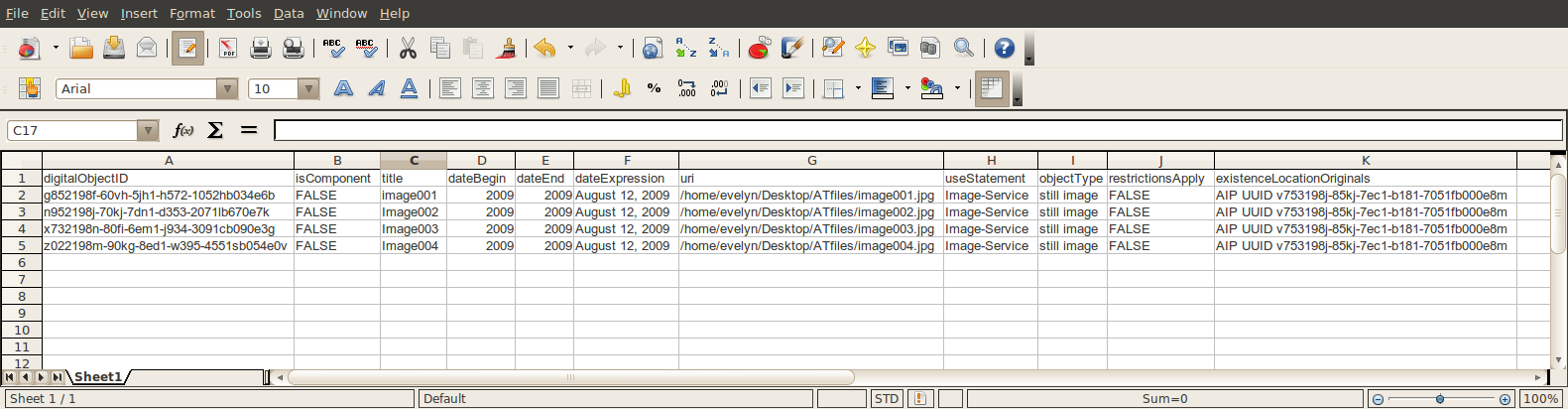
| 14:49, 17 September 2012 | Spreadsheet1.png (file) |  |
92 KB | Evelyn | 1 | |
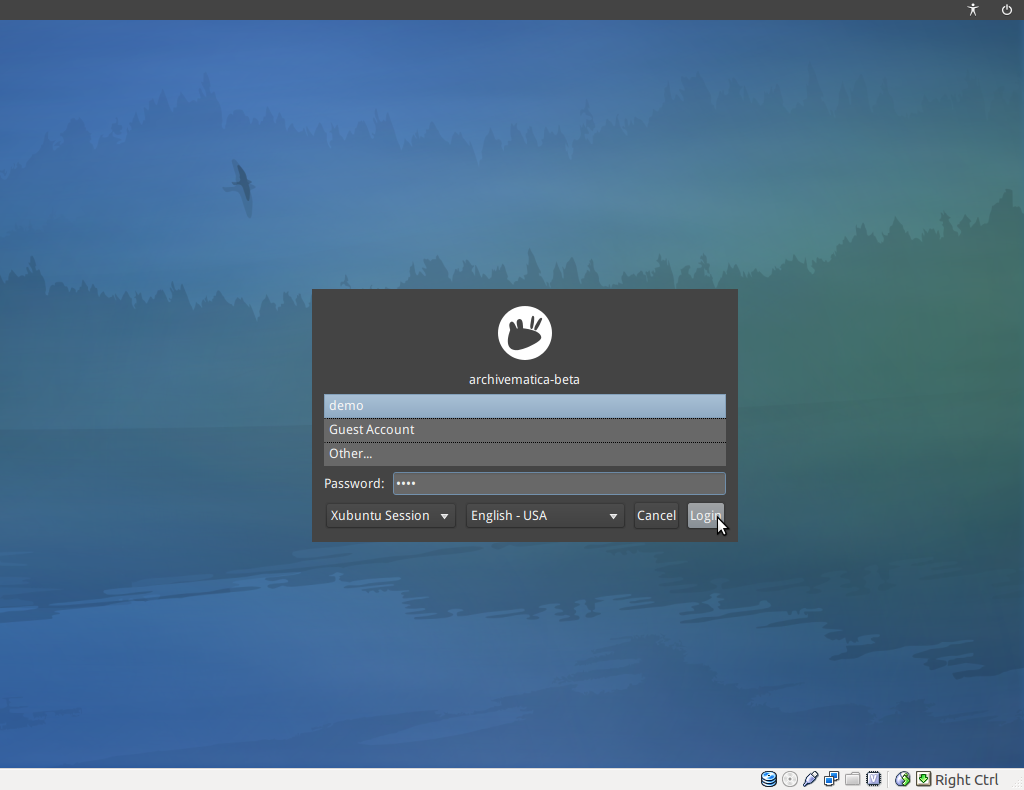
| 14:24, 17 September 2012 | Archivematica virtualapp login.png (file) |  |
302 KB | Dan | The Archivematica login screen after setting it up to run as a virtual appliance on Oracle's Virtualbox. | 1 |
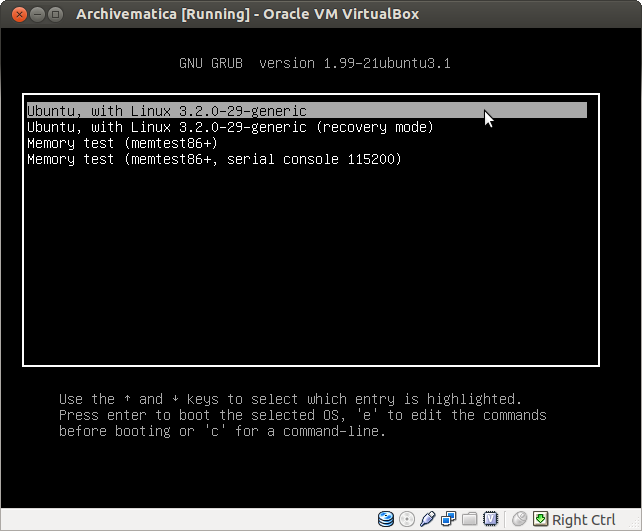
| 14:22, 17 September 2012 | Inside the VM.png (file) |  |
24 KB | Dan | An example of the first screen you will see when launching the Archivematica virtual appliance, after following the instructions on how to set up Oracle's Virtualbox. | 1 |
| 14:03, 17 September 2012 | Metadata entry 1.png (file) |  |
58 KB | Evelyn | 1 | |
| 14:01, 17 September 2012 | Error USB setup.png (file) |  |
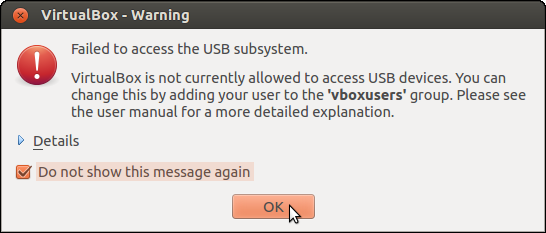
40 KB | Dan | Use of borders on screenshot for better image on wiki | 2 |
| 18:00, 14 September 2012 | 6 start archivematica VM.png (file) |  |
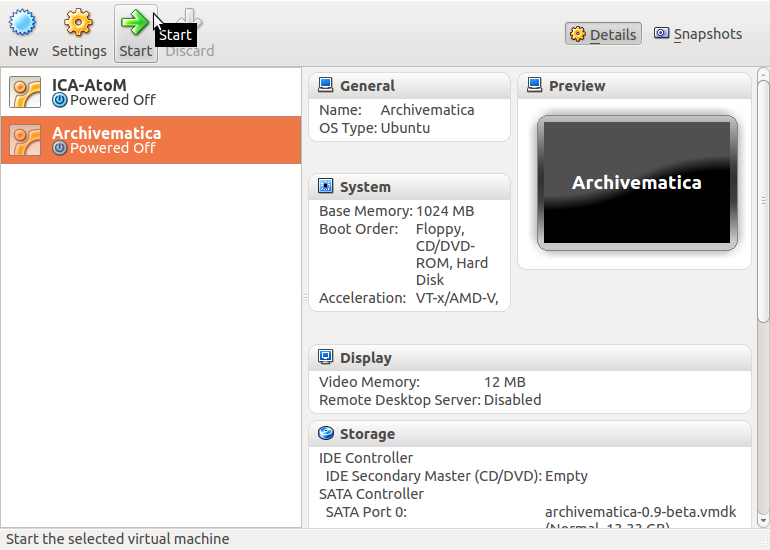
87 KB | Dan | After setting everything up through Oracle's VM Wizard, you can now select the Archivematica on the left side of the Virtualbox screen and press start to launch the virtual appliance | 1 |
| 17:58, 14 September 2012 | 5 review click create.png (file) |  |
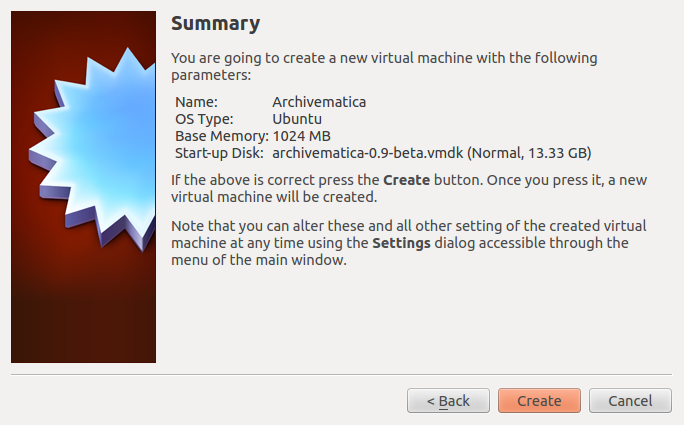
82 KB | Dan | Reviewing the settings and clicking create in Oracle's Virtualbox VM Wizard, to set up Archivematica as a virtual appliance | 1 |
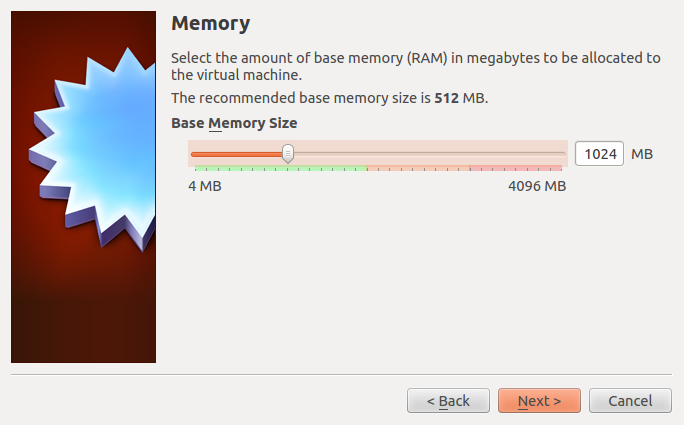
| 17:51, 14 September 2012 | 3 set memory.png (file) |  |
58 KB | Dan | better version without borders or background | 3 |
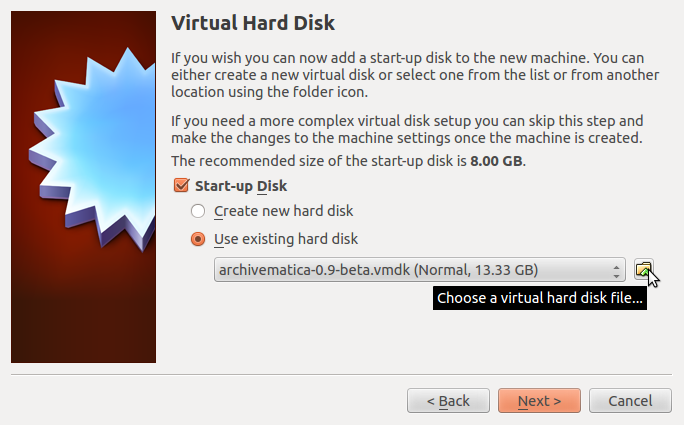
| 17:46, 14 September 2012 | 4 use exist hardisk select archivematica.png (file) |  |
88 KB | Dan | Image showing the selection of "use existing hard disk" and browsing to the Archivematica installation file, for setting up Archivematica as a virtual appliance using Oracle's Virtualbox | 1 |
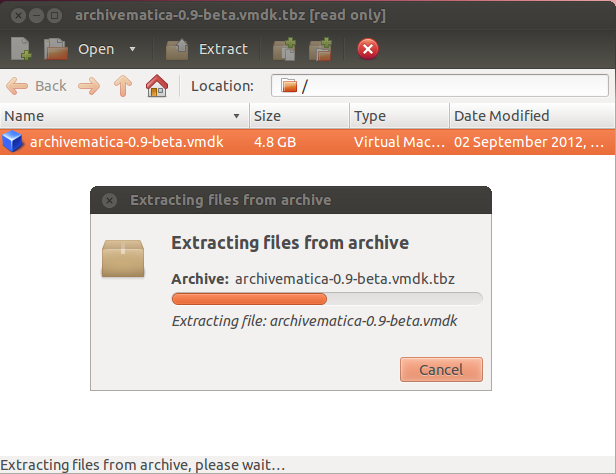
| 17:40, 14 September 2012 | Extracting archivmatica-vmdk-tbz.png (file) |  |
55 KB | Dan | A picture showing the download and extraction process of the archivematica file using Linux Ubuntu's Archive Manager | 1 |
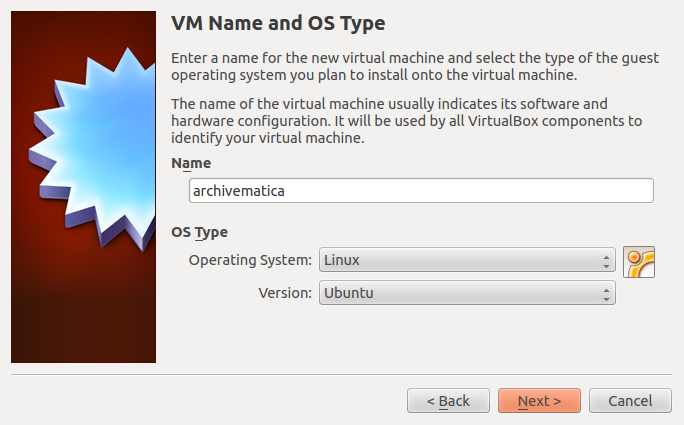
| 17:23, 14 September 2012 | 2 VM Name OS type.png (file) |  |
78 KB | Dan | set the virtual appliance name and the OS type in the VM Wizard to install Archivematica as a virtual appliance | 1 |
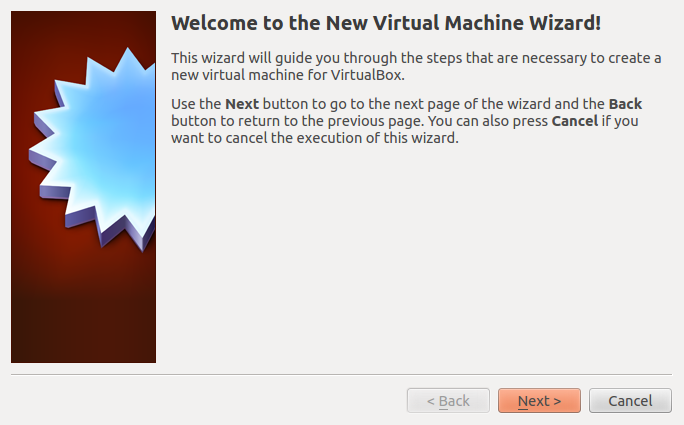
| 17:22, 14 September 2012 | New next VMWizard.png (file) |  |
69 KB | Dan | instructions for setting up the VM Wizard to install Archivematica as a virtual applicance | 1 |
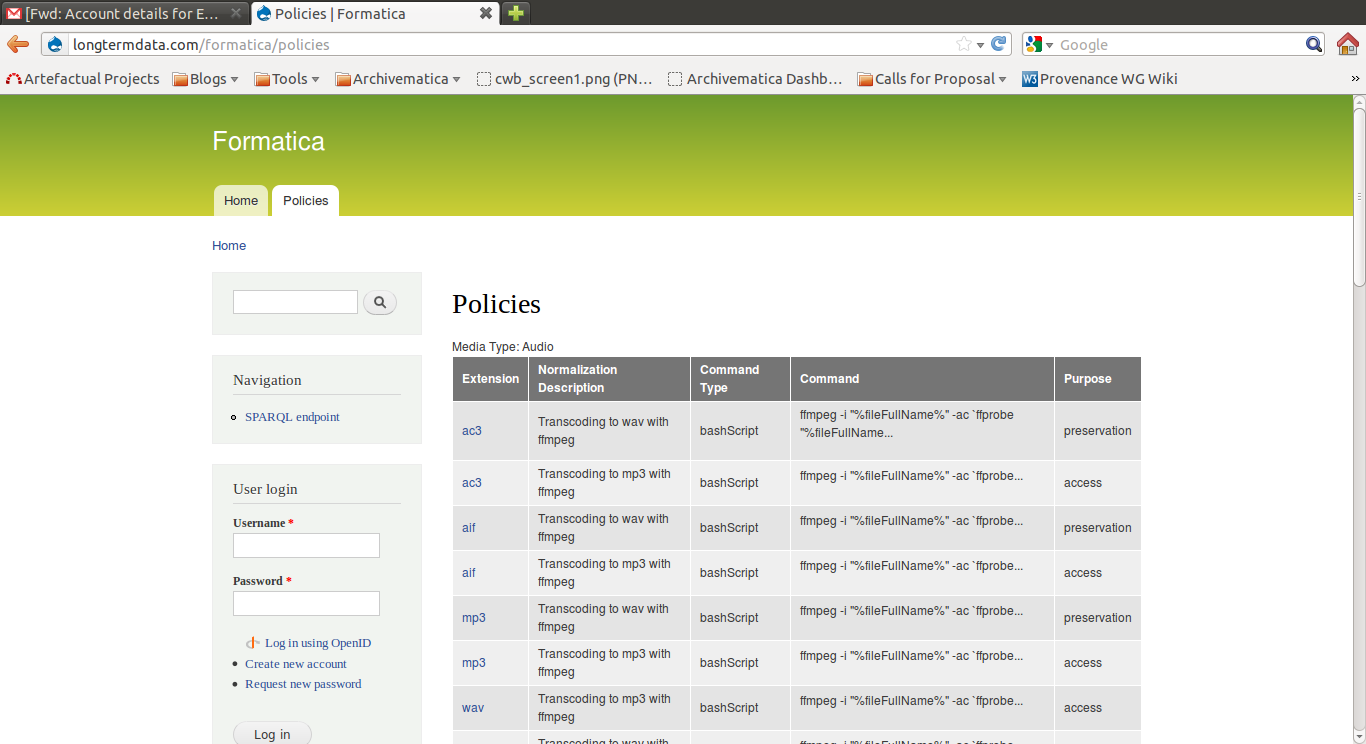
| 15:42, 11 September 2012 | Formatica.png (file) |  |
113 KB | Courtney | 1 | |
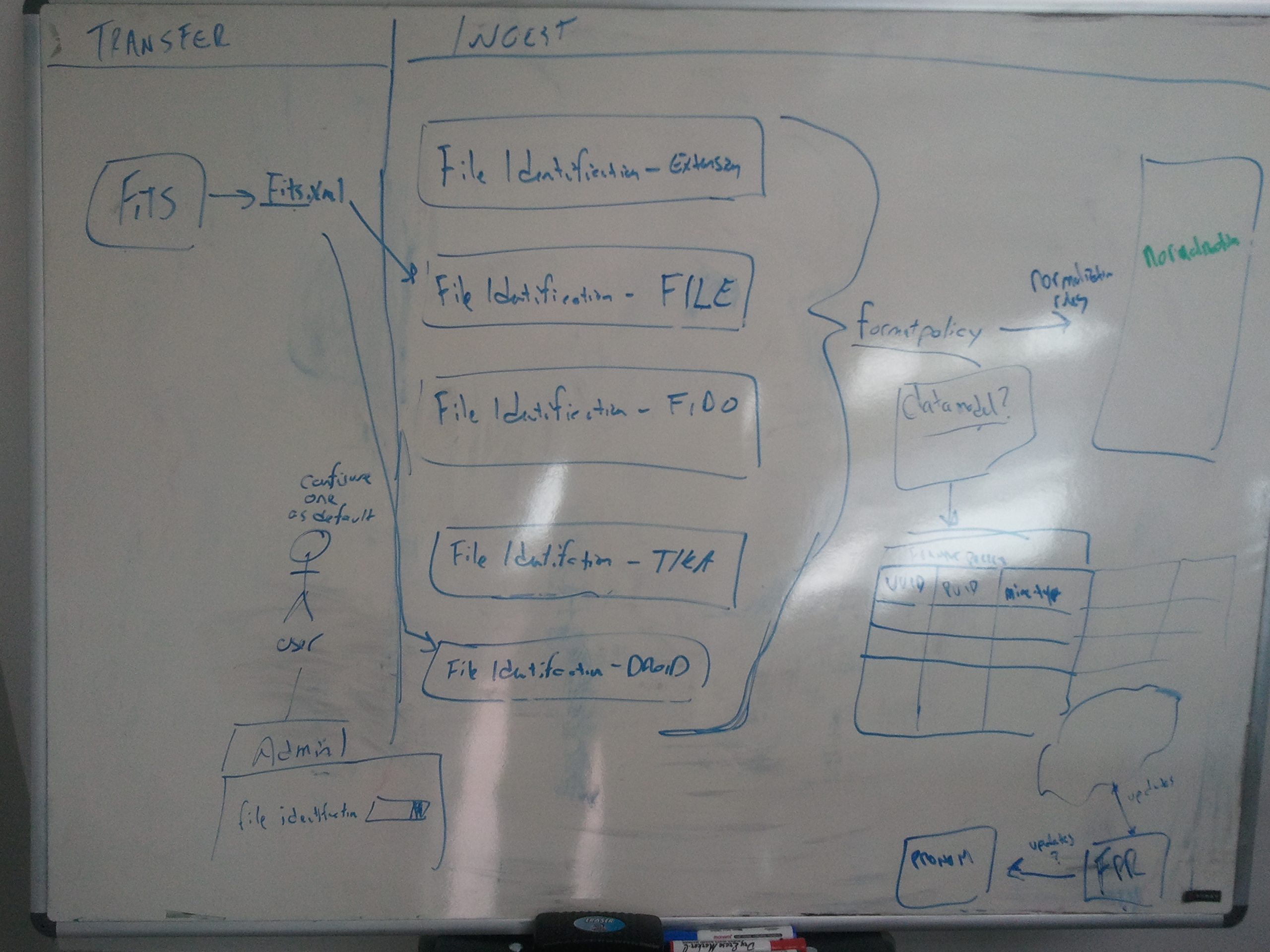
| 15:11, 11 September 2012 | FileID.jpg (file) |  |
1.5 MB | Courtney | 1 | |
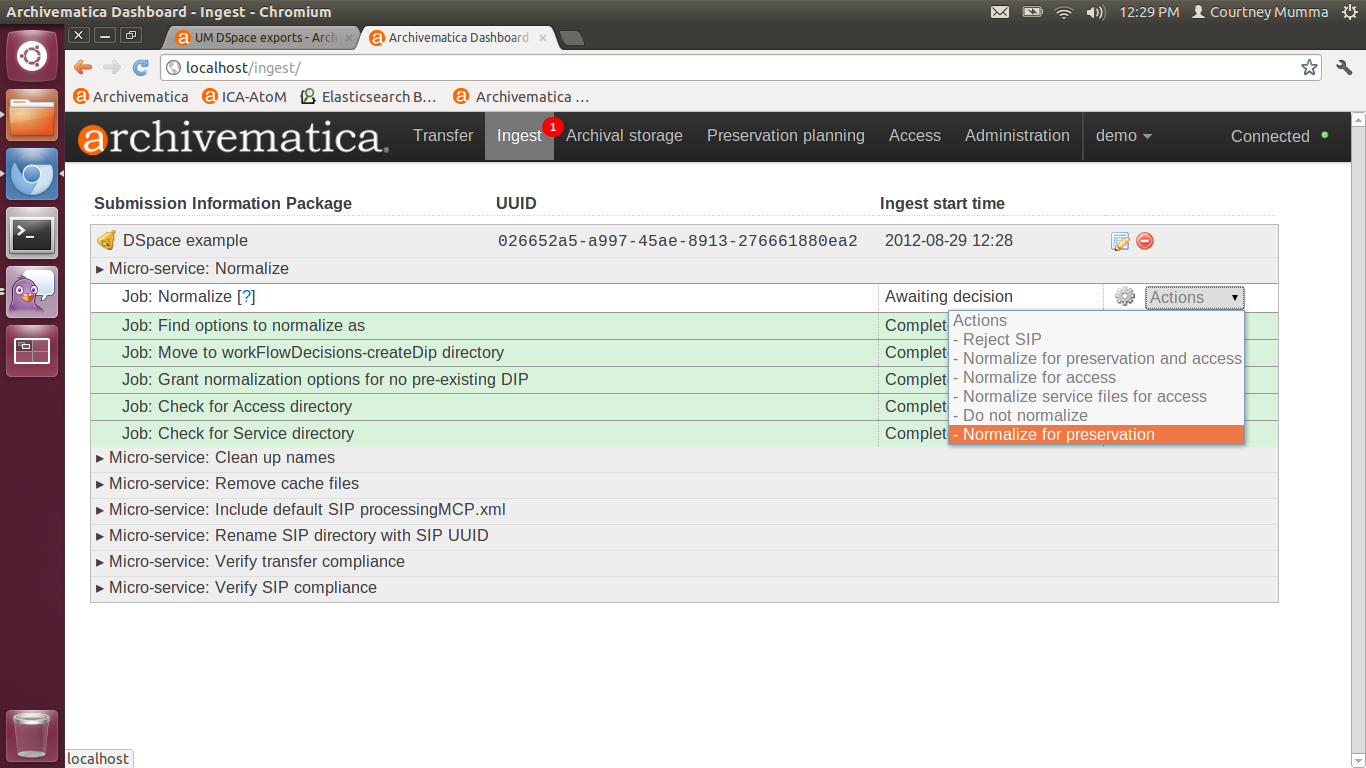
| 14:03, 29 August 2012 | DSpaceNormForPres.png (file) |  |
184 KB | Courtney | 1 | |
| 14:02, 29 August 2012 | DSpaceTransferMicros.png (file) |  |
188 KB | Courtney | 1 | |
| 14:01, 29 August 2012 | AddDSpace.png (file) |  |
152 KB | Courtney | 1 | |
| 14:00, 29 August 2012 | UploadDSpaceTransfer.png (file) |  |
124 KB | Courtney | 1 | |
| 14:09, 28 August 2012 | Micro-services.png (file) |  |
2.43 MB | Evelyn | 1 | |
| 16:01, 23 August 2012 | TAIPsearchresults.png (file) |  |
121 KB | Courtney | 1 | |
| 16:00, 23 August 2012 | TAIPsearch.png (file) |  |
94 KB | Courtney | 1 | |
| 15:53, 23 August 2012 | T21BellsRvwStore.png (file) |  |
162 KB | Courtney | 1 | |
| 15:46, 23 August 2012 | T20DIPReviewTab.png (file) |  |
99 KB | Courtney | 1 |